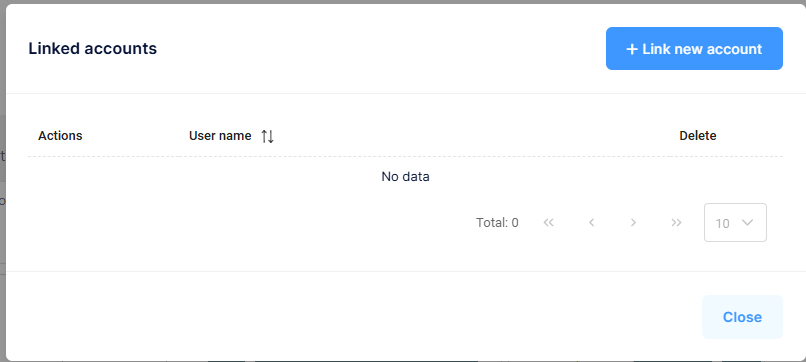
Manage Linked Accounts
Linked Accounts allows a user to link multiple accounts within the same Tenant (Company), making it easy to switch between them without logging out.
How to Manage Linked Accounts
- Select your User Icon in the upper right-hand side of the screen
- Select Manage Linked Accounts
- Add or remove linked accounts as needed